WebP vs JPG vs PNG: Which Image Format Should You Use?
Understand image quality, transparency, browser compatibility, and when each format makes sense.
JPEG: a familiar choice for photos
JPEG uses lossy compression and is widely supported. It is often a practical option for photographs, but repeated re-encoding can reduce quality and it does not support transparency.
PNG: useful for transparent graphics
PNG uses lossless compression and supports transparency. It is often a good fit for screenshots, logos and interface graphics, although photographs saved as PNG may be much larger than necessary.
WebP: a flexible web format
WebP supports both lossy and lossless compression, as well as transparency. It can reduce transfer size on many websites, but results depend on the source image and chosen quality setting.
Which should you choose?
For photos, compare JPEG and WebP. For sharp graphics or transparency, compare PNG and WebP. Keep an original master file so you can export again without accumulating compression artifacts.
Test the real output
Measure the resulting file size and inspect the image visually. A smaller file is helpful only if it still looks good for its intended purpose.
Convert Images to WebP for Free
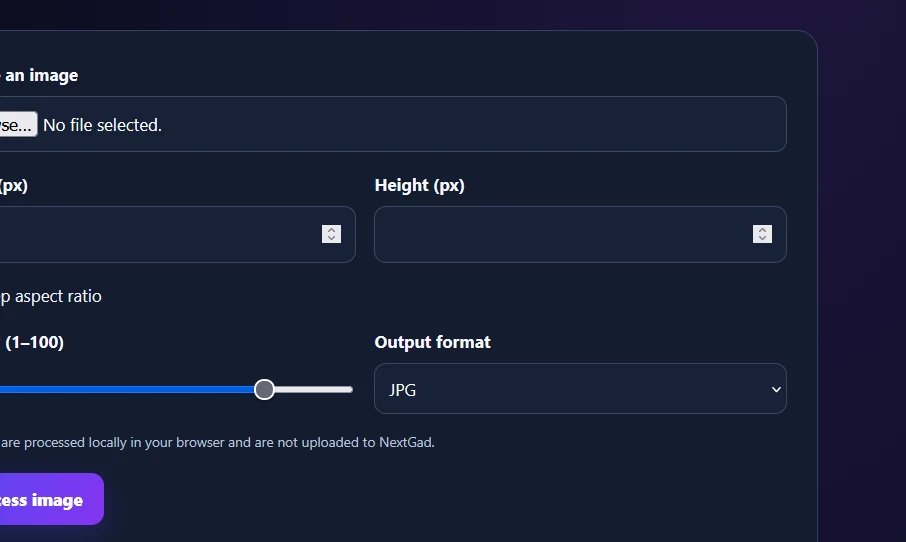
Convert JPG and PNG images to WebP using NextGad’s free browser-based tool. No signup required.
Try Free Image to WebP Converter →Explore more practical tips in the NextGad Blog.